So where is yours, and screen shot please!
(It's the blue barge)

Moderator: Forum Moderators

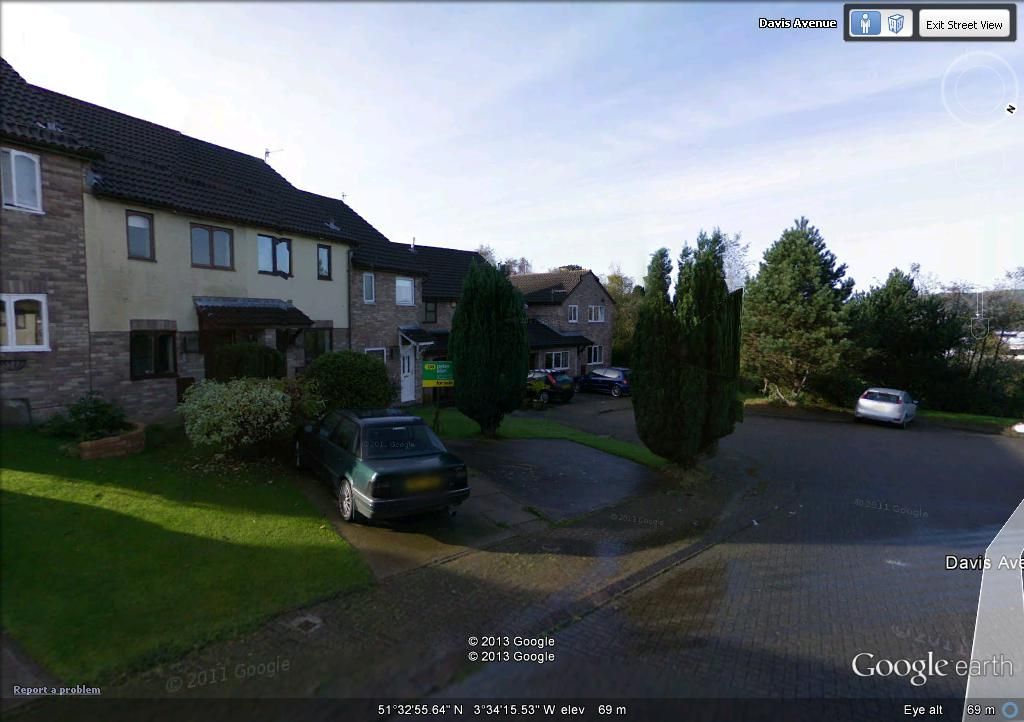


lennox1185 wrote:"Print screen" button on keyboard
Paste into Paint or any other photo program.
Host on Photobucket, or any other image hosting site!

I think you can press your lock button and menu button together and it'll take a screen shot?34DAN wrote:lennox1185 wrote:"Print screen" button on keyboard
Paste into Paint or any other photo program.
Host on Photobucket, or any other image hosting site!
Oh okay, thanks.
It won't work at the moment because I'm using an iPad, can't remember the last time I used a 'real' computer!


That my friend is amazing! I've had windows 7 for 3 years and didn't know that.Semproxion wrote:If you've got Win7 then click start and type "snip". You'll be shown a program called Snipping tool. Open it and then just click & drag over the area you wish to capture and click save (the floppy disk icon)
Much simpler than faffing with printscreen.


Vard66 wrote: our feelings about saloons shall never be the wedge between us


Vard66 wrote: our feelings about saloons shall never be the wedge between us
 .
.





At the bottom of the image it shows the image date. They update it as the years go on.gearinator wrote:What year was this google maps done. Only I'm trying to work out what coupe I had then and where I was living
. Think it it may have been taken pre 220 GSI or maybe when 420Gazza was rebuilding the box last spring 

